
Building Apps on Commerce7
Communicate your plan to the Partner team before you start building. Private apps go through the same review as public apps.
Commerce7 is a platform that enables wineries to provide better shopping experiences for their customers across all channels such as ecommerce, the tasting room, wine club, and more. When these business require additional functionality that Commerce7 doesn't offer, they look to apps to extend the tools to meet their specific needs and/or integrate with other software.
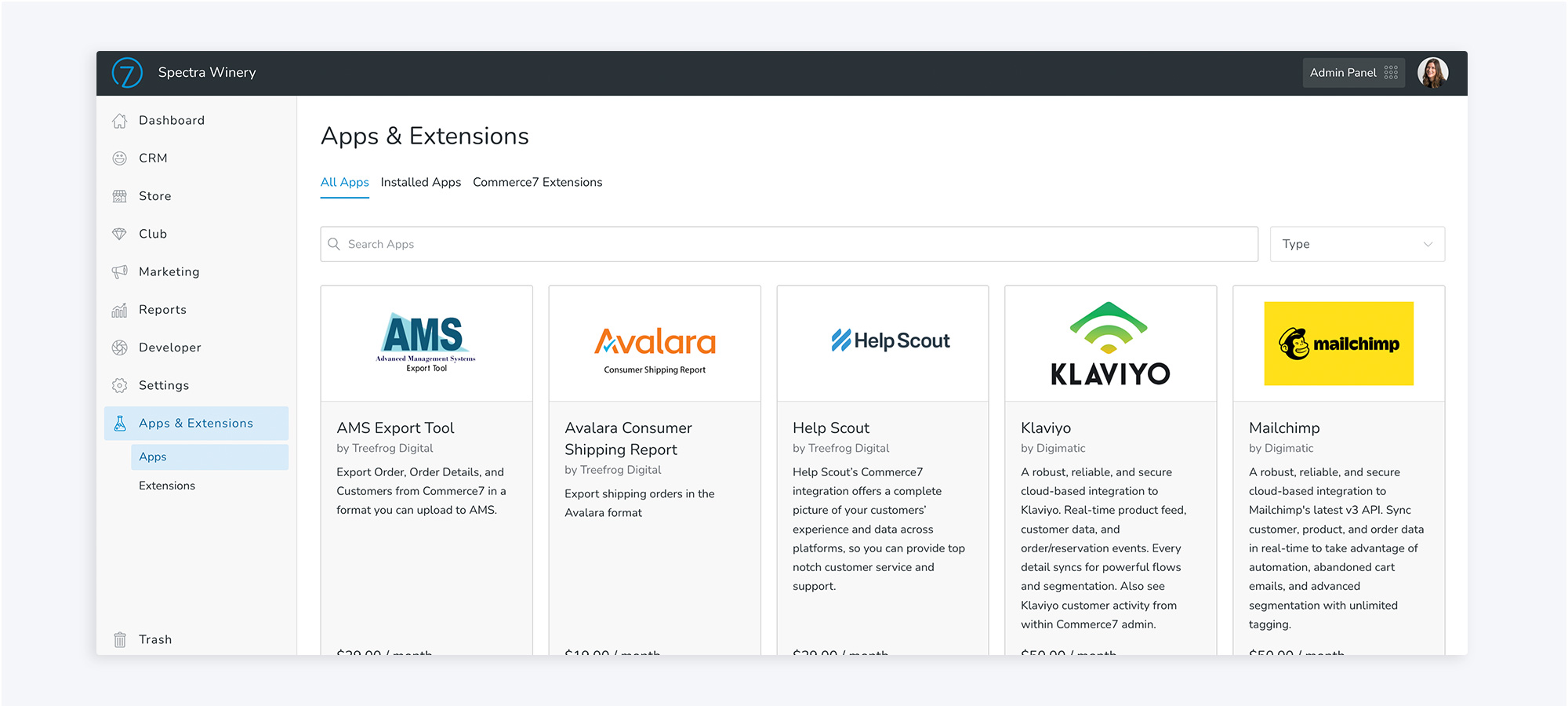
This is where you and the App Development Center come in. Access Commerce7's APIs and use the App Development Center to create powerful apps that help wineries work more efficiently and ultimately lead them to create better shopping experiences for their customers. Published apps can be searched an installed by clients in Commerce7's app store and found on the Commerce7 website.
What is the App Development Center?
When building an app, the App Development Center is the tool that will help you create your app for Commerce7 and ultimately launch it to the App Store for purchase for any Commerce7 client. Here is where you'll create your app, configure what API endpoints your app needs access to, set up webhook events, configure how you want it to display inside Commerce7, and more. No app is the same, so exactly what you need to set up will change based on your specific app and what you're trying to accomplish.
How the app program works
- Communicate your plan to the Commerce7 Partner team. Tell us what you intend to build, who it's for, and what data it needs. We'll confirm scope and requirements up front.
- Develop an app that meets a need (for more than one client if the app will be public)
- Seamlessly integrate your app inside of Commerce7 (or create an integration-only app that works behind the scenes).
- Price your app and create compelling listing content to market it.
- Submit your app for approval by Commerce7.
- Your app will be published on Commerce7.com and on the App Store inside Commerce7's Admin if it follows our app guidelines.
- Acquire new customers with every install. Commerce7 will handle the billing and you'll receive payment.
Private appsNot every app belongs in the public App Store. If you're building for one client or a handful, create your app as type "Private App or Integration". It won't be listed in the public marketplace, and you'll release it only to the tenants you name.
Private apps go through the same security review and approval as public apps. Distribution is the only difference.
Before you start building, contact the Partner team and share your plan. We'll confirm your app type, the API scopes you'll need, and the security requirements that apply, including the security questionnaire, so nothing needs reworking after review.
What can my app do?
The sky's the limit! (Almost) Apps can either add functionality to Commerce7 or integrate Commerce7 with other software. You can have access to all of Commerce's APIs (the same ones we use), though we'll only approve the scopes your app actually needs. When creating your app, we'd encourage you to really plan out what you want the app to accomplish. We want you and your app to succeed, so making sure that it meets a need and will therefore have client demand is important.
When planning your app, you should also decide how it makes the most sense to display and work inside of Commerce7 (if at all). Whatever function, feature, or benefit your app provides should fit nicely into the client's existing workflows. For example, you can display your app as a standalone page in the main navigation or if it's an extra function within an existing page, you can add it to an "Actions" menu. Learn more about the different Extension types, what they look like, and how to set them up in your app here.
Using AI tools?
If your app sends Commerce7 data to any AI service, including coding assistants, analysis tools, or LLM APIs, you must get prior written approval from Commerce7 before you build. Please name the specific tools when you communicate your plan.
Next steps
- Create a sandbox (if you don't have one already)
- Create an app
Updated about 2 months ago